Content Check: AI content moderation for images
Screen an image against a content policy before you use it or spend anything on it. Content Check answers passed or flagged, free in the web app and through the API.
No sign-up and no card — a workspace opens in your browser the moment you arrive.
It looks at the picture without changing it, so you can check an upload, a folder of pictures or a user’s submission before anything else happens to it. The policy is CraterView.ai’s own, set out under acceptable use in our terms.
Reading the answer
The answer is one word: flagged when the image may fall outside what the service allows, and passed when it was checked and nothing was found. There is no score.
What passes
We’ve tested many photos of hiking, surfing, beach volleyball, swimming, bodybuilding, sumo, water polo, yoga and crowded beaches. Four of hiking and surfing:
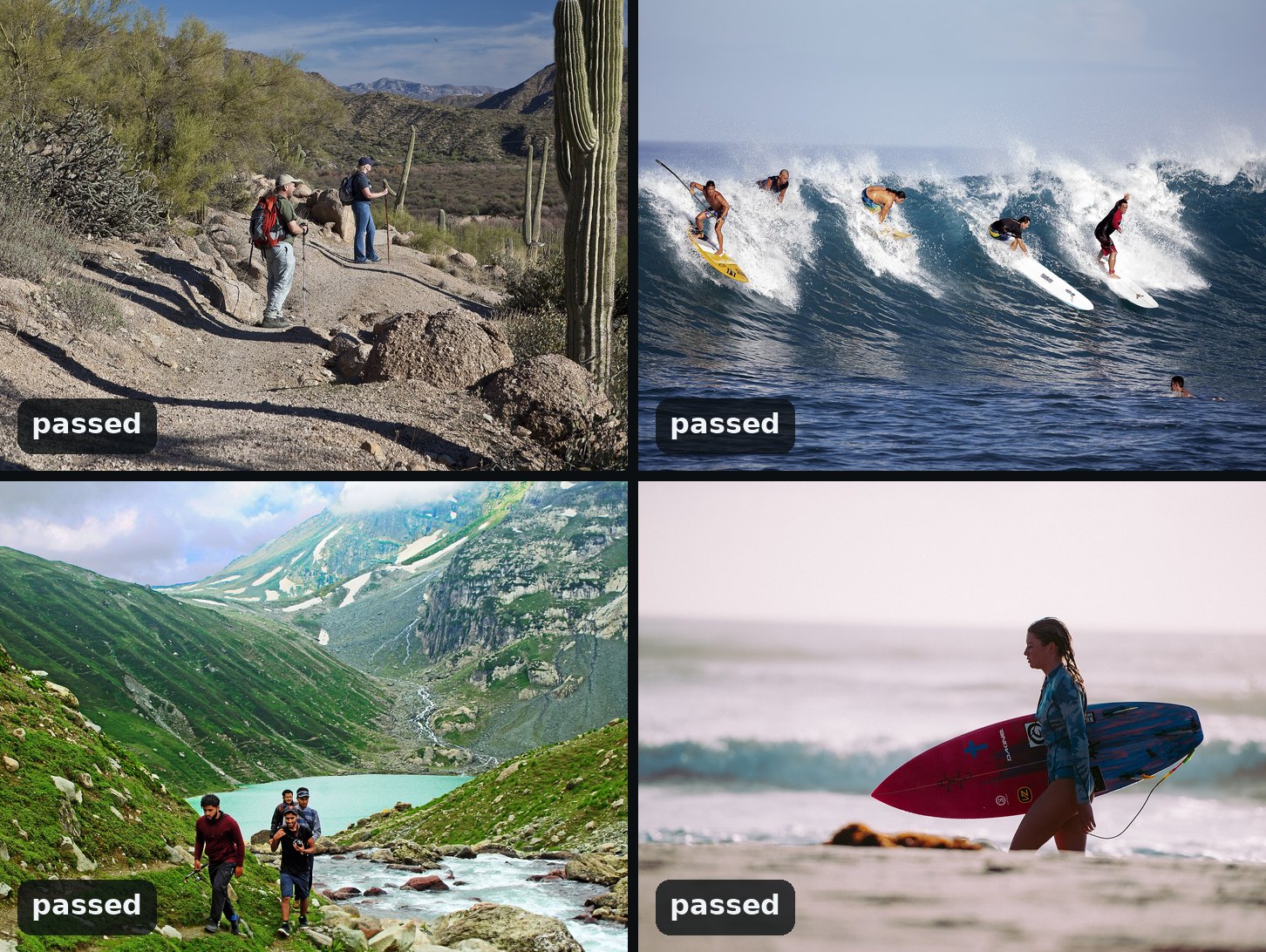
Photographs via Wikimedia Commons, cropped: BLM Arizona (public domain), Brigitte Bourger (CC BY-SA 4.0), Taabishm2 (CC BY-SA 4.0), Annie Spratt (CC0).
The same check runs on every job
Every picture sent to an enhancing tool gets this same check, so Content Check tells you ahead of time what a job would say. A flag refuses nothing: the job runs and is charged as usual, and the web app shows a note under the Run button.
If it flags an image you think it shouldn’t, write to support@craterview.ai with the job’s id.
To estimate whether a picture was made by AI, run Real Check, which is free too.
From your own code
Content Check is on the HTTP API, with clients for Python and TypeScript. Below every run in the web app, Equivalent HTTP API calls shows the same request in curl, Python and TypeScript, ready to copy. Your first API call, in three requests walks through getting a key and the three requests a job takes.
Try it on your own file
No sign-up and no card — a workspace opens in your browser the moment you arrive.
Open Content Check in the web app